Spaceman helps you fulfill the brief in less time
Define your specs and corner conditions. Spaceman explores the design space, runs SPICE verification, and returns sized schematics that meet your targets across all corners.


Sized schematic in 10 minutes, verified across all corners

Integrated and usable results right in your software
Schematic and testbench export directly to Virtuoso as editable cellviews. No format conversion, no manual re-entry.

Schematic
The schematic is exported as a Virtuoso schematic cellview. All device sizing and connectivity are preserved.

Testing results
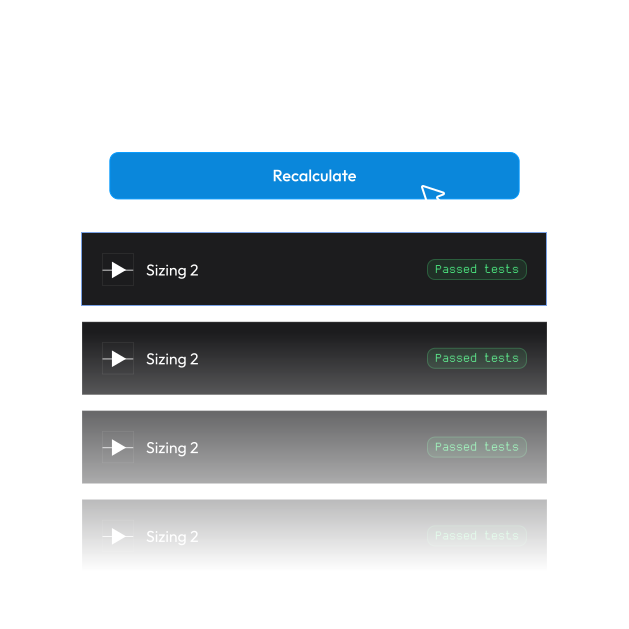
SPICE simulation results are exported alongside the schematic. Re-run verification anytime with the included testbenches.
All IPs you'll ever need
Spaceman gives you a ready-to-use library of IPs that are used in the optimized schematic. Don’t find yours? We can add specific IPs on request!
A stable and repeatable process
Spaceman's optimization is deterministic because of its stable neural network model. Run the same specs twice, get the same schematic. No randomness, no variation between runs.
Use Spaceman in a few steps
By connecting directly to Virtuoso, you reduce the design timeline from days to minutes.
Connect to Virtuoso
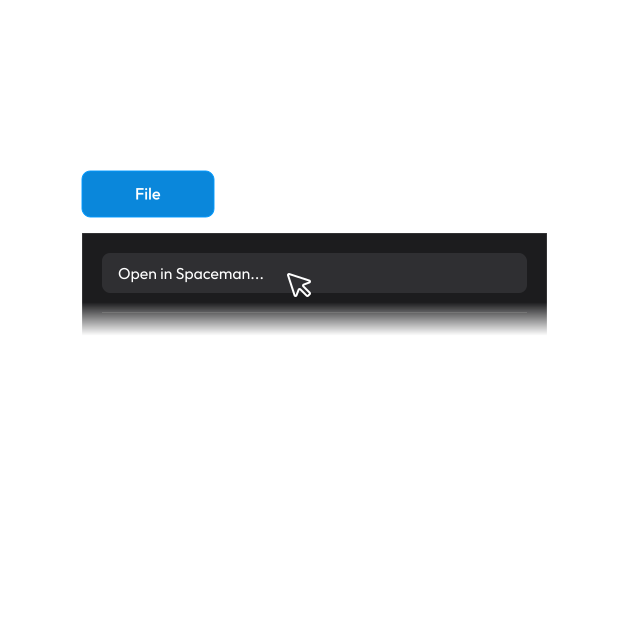
Spaceman connects to Virtuoso on your local machine and imports your design right away. No connection to a third-party server is needed.
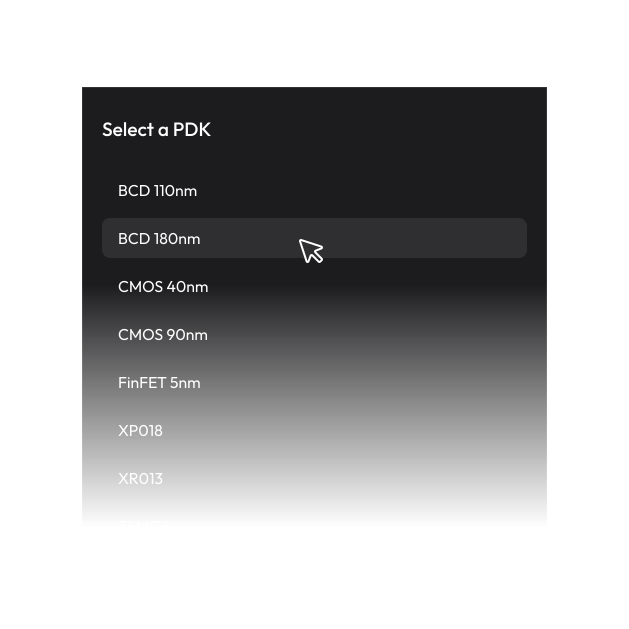
Select PDK
Pick your target PDK. Spaceman reads device models directly from your local PDK installation.
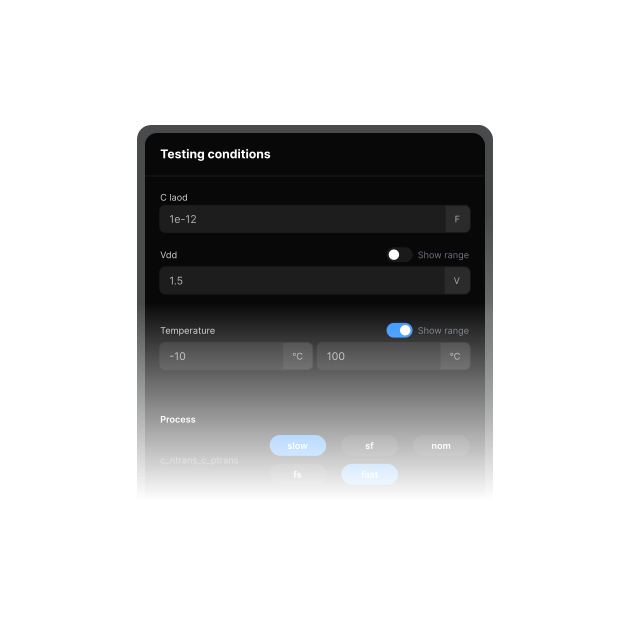
Define PVT corners and specs
Set process corners, temperature range, voltage variation, and performance targets. Spaceman will flag if your specs aren't achievable.
Wait for the SPICE verification
Spaceman verifies the correctness of the optimal solution using an electrical simulation exploiting Cadence integration. This way you always get the correct result.
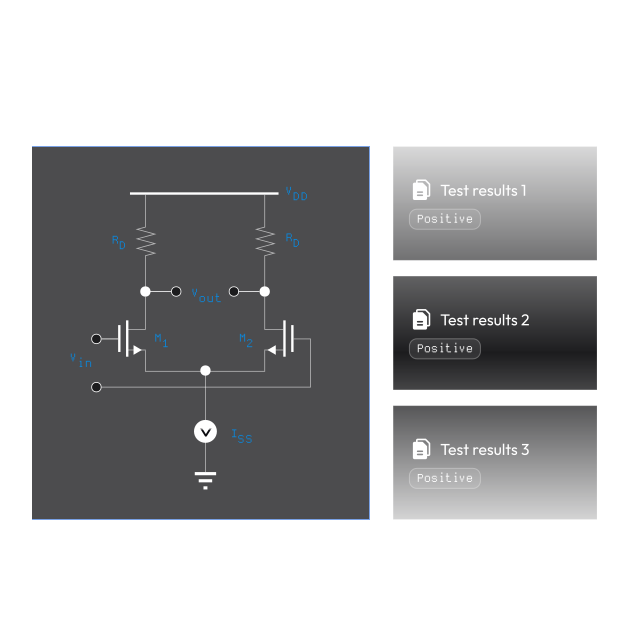
Export to Virtuoso
Select your preferred solution and export. You get an editable schematic cellview plus testbenches, ready for further refinement or tapeout prep.
Have a question?
How long do calculations take?
Usually around 5 minutes for a PVTI optimization. Spaceman finds the optimal solution in minutes instead of waiting days for manual trials.
Does Spaceman run on remote servers?
No. Spaceman integrates with your ASIC design software locally on the same machine you’re using to run Virtuoso. It doesn’t connect to outside servers and doesn’t send out any data.
What about our current tools?
You can use them. Spaceman integrates directly with Virtuoso and other industry-standard tools. You keep your existing infrastructure while gaining automation benefits without disruption.
Do you supply PDKs?
No. Spaceman doesn’t come with any specific PDK, but it can be used with any PDK on the market.
Can I change the PDK of my schematic?
Yes, Spaceman will need to update the neural network model for you IP. Spaceman works with any PDK, but schematics are PDK-specific. In order to port an IP from one PDK to another, choose another PDK at the beginning of the process and let Spaceman recalculate the optimal solution for your IP.
Do you offer ongoing support?
Yes. Our team provides continuous support throughout your project lifecycle. For Spaceman, we offer dedicated technical support and regular platform updates included in your subscription.
Ready to start?
Here's how to get Spaceman into your workflow.

Free consultation
30-min call with our team to present Spaceman
Technical meetup
We meet with your engineers for a demo and answer any technical questions they might have
Detailed economic proposal
You receive a custom proposal based on the number of licenses you’ll need
